In short
The signal that matters
- If you're busy all day, crunching tasks, and still feel behind, especially now that AI answers back in seconds, your to-do list is probably running your week.
- A to-do list never ends, because surprises and unknowns keep adding to it, so planning from it keeps you busy without moving what matters.
- Start each outcome with what you want and why it matters to you, write every step it needs with how long each takes, and mark the 3 to 5 musts for this week.
- Book one block per outcome for those musts, keep 30 minutes for surprises, and close each day in 15 minutes so you make progress on every goal every week.
- Spend one hour on the weekend planning on paper, hand a photo of it to your AI assistant to block the time in your calendar, and celebrate the progress you made instead of counting what's not done.
If you're busy all day and still feel behind, I don't think the problem is how hard you work. I think it's how you plan your week, and that's something you can change starting this weekend.
Here's something I keep noticing with the business owners I work with. They're more stressed than they used to be, they feel like they're falling behind, and there's a lot of pressure on them, mostly from the sheer amount of information that's being thrown at them every day. And when I look at why, what I see again and again is a lack of time planning. Not even time management, by the way. Planning, specifically.
The to-do list never ends
The common way most of us plan is based on the to-do list. So, what do I need to do?
The thing is, that list never ends. There are always surprises, there are always unknown unknowns, and so we keep working on things, but not necessarily on the part that really moves the needle or makes real progress.
How AI made it worse
And unfortunately, in many cases AI made it even worse.
Before AI, a piece of work would maybe go to a person, and you'd wait for them to get back to you, so you had time to do other things in between. Now we give an input and we get the output back so quickly that the in between is gone. We get more input, more quickly, and honestly we're being bombarded with information all day long.
So as a result we're more stimulated throughout the day and we get exhausted more quickly. We're crunching tasks, but we're not necessarily making progress on the thing that matters.
There's actually research on this. Boston Consulting Group and UC Riverside surveyed 1,488 full-time US workers, and it was published in Harvard Business Review in March 2026. Out of the people using AI at work, 14% said they'd had what the researchers call "AI brain fry", which is mental fatigue from using or overseeing AI tools beyond what our brain can handle, so things like fog, trouble focusing, slower decisions and headaches. In marketing it was about 26%, in HR, operations and software it was around 18 to 19%, and the people who had brain fry also had 33% more decision fatigue.
RPM is a value chain for life

I recently went to two Tony Robbins events quite close to each other, Business Mastery Advanced and RPM.
In Business Mastery Advanced we had a very detailed session about the value chain. In short, that's the process, or the set of processes, a business uses to add massive value to its customers, solve their problems and deliver results. The idea is that each and every link in the chain should add massive value compared to the one before it, and you want to get to the outcome with as few links as possible. (If you read my post on Lack of Simplicity: Why Most AI Implementations Fail, you know why I care so much about fewer links.)
RPM was about time planning and time management. And going through both of these events so close together made me realize that RPM is basically a value chain for life.
It's a planning method that has you focus on the 20% that makes 80% of the progress, and the goal is that each and every week you make progress on all of your goals and all of your outcomes. If you keep doing that, you'll win, because you keep moving toward the outcomes.
How to plan your week with RPM
So what does it actually look like to plan your week this way?
You start with a purpose and an outcome, not with your to-do. The outcome is what you want to achieve or what you want to experience, and the purpose is why it's important to you. It ties right into Simon Sinek's "Start with why", because you start with why you want to achieve that outcome. And you write it in language that juices you up. A big, ambitious outcome that pulls you to make it happen.
Then you write down everything that's needed to get there. Maybe you need to talk to someone, book a meeting, book a flight, have a call. You write all the steps, and next to each one you write how long it takes, and then you rank them by priority.
Once you have that, you mark three to five things that are musts for this week, the things that must happen this week. Those are the 20% that create 80% of the progress.
So you could have a list of ten items that need twelve hours in total, but the musts for the week only need 3 hours and 50 minutes. Then you take one block for that outcome and you take care of those 3 hours and 50 minutes in that one big block.
If you want to try this on your own week, download the RPM block template and use it to plan your first block. It's the same template that was shared with us at Tony Robbins' RPM event.
Download the RPM block template
Leverage is not delegation

In RPM, leverage isn't the same as delegation. When you delegate, you hand something to someone and you check at the end. With leverage, you check in with that person at intervals along the way.
I personally call it co-creating. So for every block I ask myself, who am I co-creating this with? Sometimes that person can do it entirely and I just check in. Other times we work on it together. And the same question works with your AI assistant too. If you co-create with AI and it gets you to the outcome faster, so you spend three hours instead of ten, that still counts. And that is a massive shortcut.
The advantage is time. Say a task takes ten hours in total. If I can hand it to someone else entirely and have regular check-ins with them, the time needed from me might be just one hour, or three.
If you work with a team, it goes even further. Once you've planned the whole thing, sit with someone on your team and get them on board with the outcome, the goals, and why it matters. That way they're part of the planning too. Then you hand them the entire block and check in with them maybe three times over the life of the block. A 30 or 40 hour block can become about one hour of your time.
What this means for your business
What I see with business owners is that they're juggling all the time, replying to emails, producing content, calling customers, replying to emails again, sending delivery paperwork, and they keep jumping from one task to the other.
First of all, that costs them a lot of time and brain power. Our brain is a monotask brain, it's not a multitask brain, and there's a cost to switching from task to task. From what I've seen, depending on your work hours and how you work, it can easily add up to about two hours a day.
The second cost is the constant emotional stress that comes with never being able to get through the to-do list, because it never ends. But the goal was never to complete the to-do list. The goal is to achieve the outcome, so we need to start thinking in terms of making progress on our goals and outcomes.
A day built in blocks
So for example, a day can start to look like 40 minutes on calls with customers, two hours replying to emails, and 90 minutes on content.
And of course life throws surprises at us, so you can even keep 30 minutes in the middle of the day for handling surprises. If nothing comes up, you just give that time to something else. Or you can simply accept that surprises and emergencies will show up, and have confidence that you'll close the day, which means spending 15 minutes at the end of each day to reconcile, mark what got done, move items to the next day and adjust.
Every week you do the same thing. You spend one hour over the weekend planning the week ahead, and you carry over whatever's still needed. So it's one hour a week to plan and 15 minutes a day to close the day.
Where AI helps
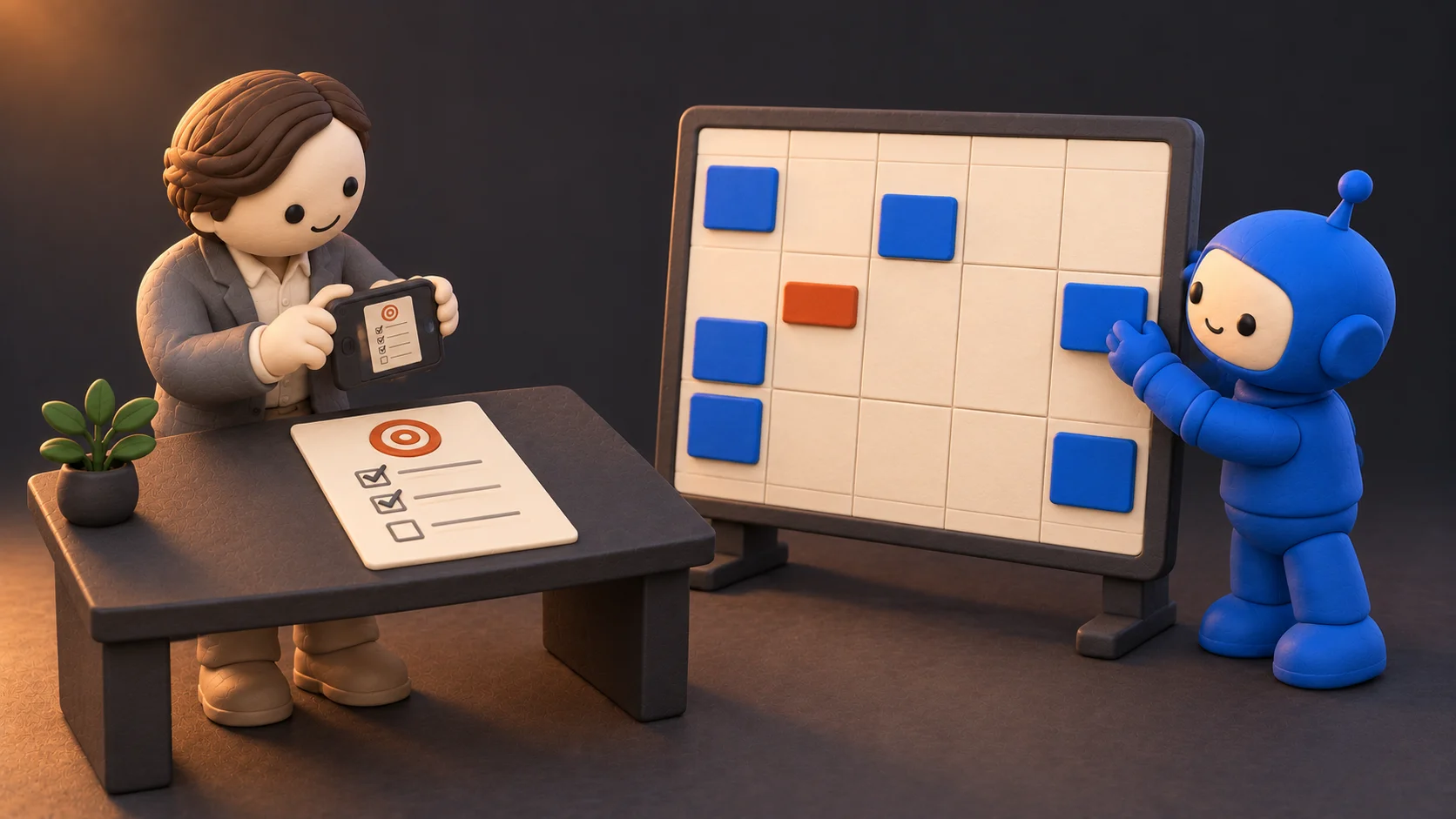
And this is where AI can help you, instead of adding to the noise.
You write the outcome, the purpose and the steps on a piece of paper, which literally takes about ten minutes per outcome. Then you take a picture with your phone and give it to your AI assistant, and your assistant can look at the musts, look at your calendar and help you block the time each outcome needs.
So the whole process is: write it on paper and plan, let your AI assistant block the time, and spend 15 minutes a day closing the day.
Celebrate the progress

One more thing, and it's a really important one. When you do your weekly planning, celebrate your progress and acknowledge yourself for it.
We get so caught up in getting things done, just done, done, done, and if it's not done it's a failure, that we sometimes forget part of the process is to enjoy it along the way. Celebrate the progress, and the experience you get on the journey of creating those outcomes.
If you'd like to work with me on planning your week around your outcomes and setting up your AI assistant to block the time for you, click the button below.